Reviewing Color Pairings Under Projection
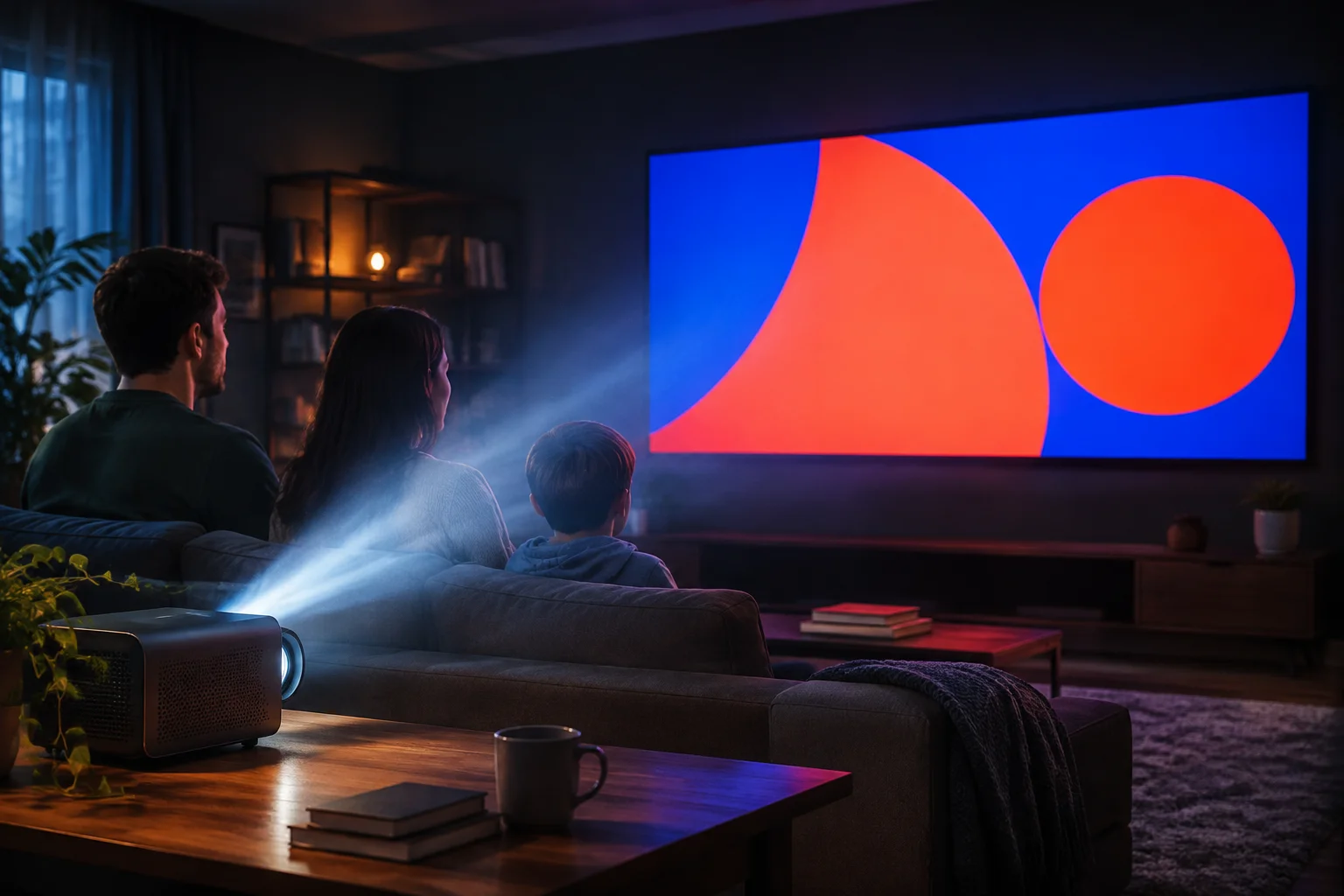
Projection technology introduces variables that simply don't exist on standard digital screens. When we look at design files on our computers, we see high-contrast, perfectly balanced color pairings. However, as soon as that signal travels to a projector, ambient light, screen material, and lens quality begin to erode the perceived vibrancy of those colors.
This review process explores how these environmental factors interact with common color pairings, often leading to "wash out" effects that degrade readability. When planning your slides, it's vital to step away from the monitor and simulate the actual viewing environment.
Understanding the Ambient Light Shift
Ambient light in a worship hall, classroom, or event space acts as a layer of dilution over every projection. Bright colors that seem distinct on a dark-mode monitor often lose their separation when this dilution occurs. Deep blues and vibrant purples, for example, can become indistinguishable from each other when projected, effectively creating a muddy, grey-shifted visual landscape.
Evaluating Contrast at a Distance
Formal contrast ratios (like 4.5:1 for WCAG compliance) are a useful starting point, but they are not a silver bullet. At 50 feet away, a color pairing that passes a standard contrast check might still feel unreadable due to the halation—or light spill—occurring within the projection lens. We focus on physical testing: creating custom test slides with varied color pairs and viewing them from the back of the room before committing to a full presentation design.
Lens & Material Factor
Projection surfaces, from high-gain screens to matte walls, reflect light differently. Always test your primary palettes on your specific venue screen to avoid unexpected color saturation loss.
Ambient Light Calibration
Measure the ambient light spill during the time of day your event takes place. Daylight ingress can make vibrant yellow or white text nearly invisible against light backgrounds.
Dynamic Range Testing
Test how your chosen color pairs behave with moving backgrounds. High-contrast static colors often lose their edge-clarity when set against complex or dynamic photographic backdrops.