01.Establishing Core Visual Standards
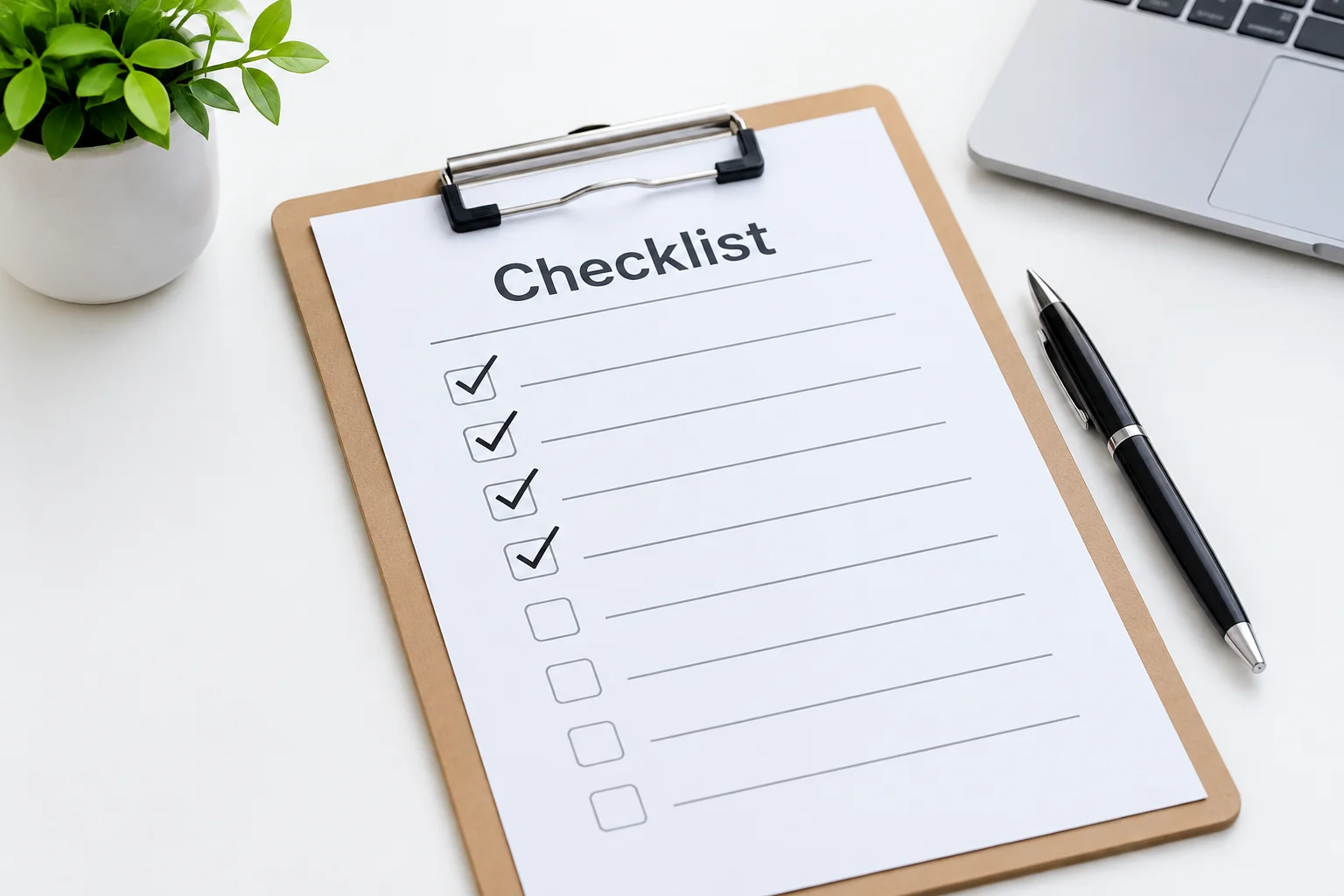
Creating a functional slide readability checklist starts with defining non-negotiable visual baseline metrics. Event operators often face dynamic lighting environments where subtle text shades completely wash out. A reliable audit checklist forces designers to test key elements—such as font weights, line height, and color contrast—under simulated venue conditions. When building your internal checklist, begin by establishing maximum character limits per line and verifying that background media overlays maintain sufficient opacity.
02.Structuring Pre-Event Verification Steps
A pre-event walkthrough requires a sequential verification flow. First, examine font hierarchy from the furthest expected viewing position to ensure primary headers command instant attention. Second, audit line breaks to verify that phrasing splits naturally without awkward hyphenation or single-word orphaned lines. Third, test all dynamic text frames with maximum sample copy to confirm that automated scaling rules do not shrink critical announcement text into unreadable micro-type.
03.Practical Implementation & Team Workflows
Incorporating a readability checklist into weekly media team workflows transforms subjective opinions into measurable quality standards. Provide stage managers, A/V volunteers, and slide designers with a laminated single-page checklist or a standardized digital audit sheet. Before locking in final presentation files, require at least one team member to physically walk the auditorium seating area while toggling through key slides, recording pass or fail scores for visual contrast, font size clarity, and line spacing.
Kevin W.
11/14/2026
I printed this checklist for our media team. Super helpful.