
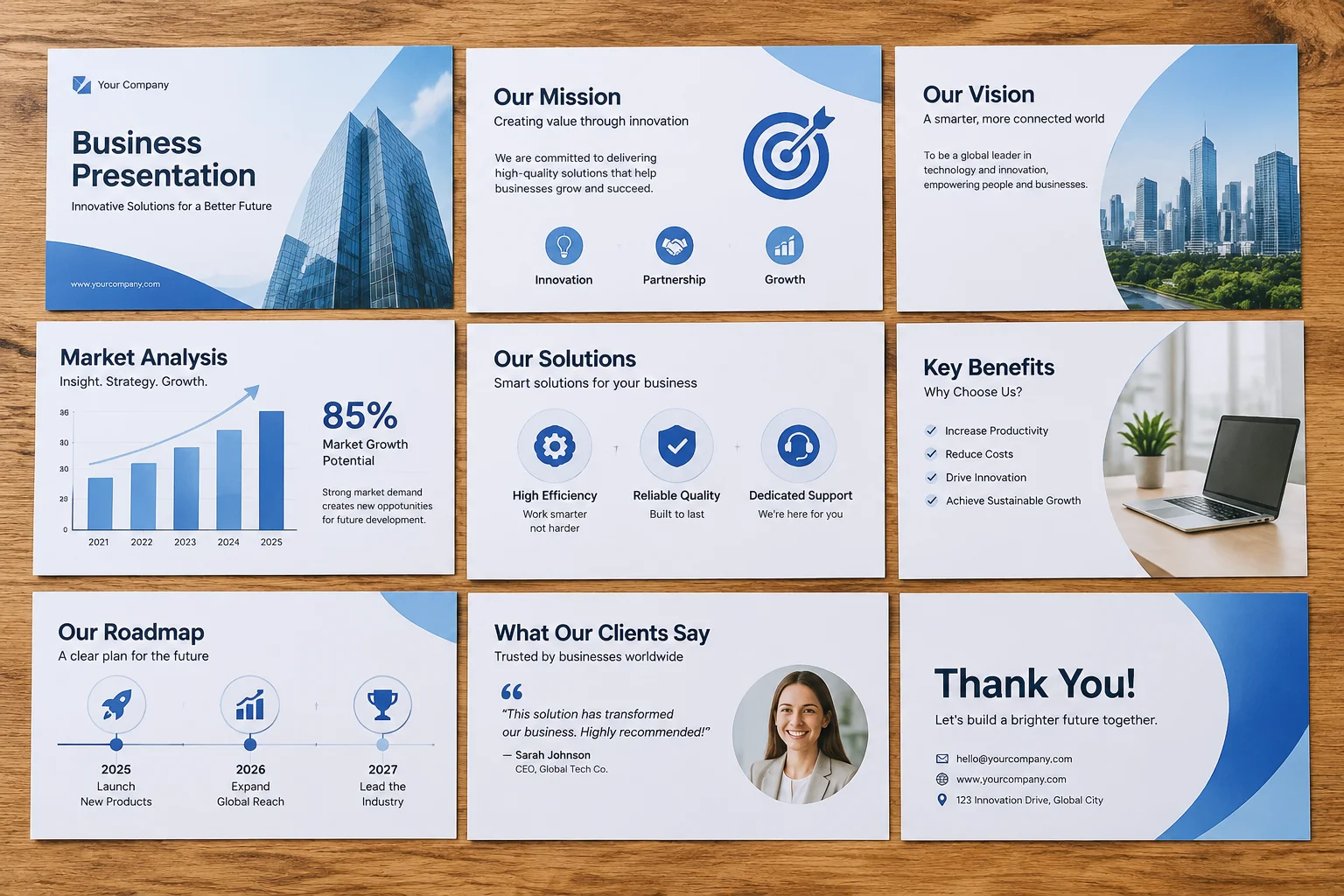

Maintaining Layout Rules Across Sections
Keep a stable visual structure
When presenting complex information over extended periods, subtle visual shifts between slides create cognitive friction. An audience member might not consciously realize why their eyes feel tired, but a heading jumping five pixels higher on every third slide causes the brain to continuously re-anchor its focal plane.
Establishing Rigid Safe Outer Margins
Every presentation canvas requires defined safety bounds. In live projection environments, edge clipping and venue sightlines often obscure the bottom five percent of a screen. Establishing an outer margin offset of at least 80 pixels keeps critical elements readable for observers seated in back rows.
- Top Padding: Reserve a fixed clearance for persistent section titles.
- Side Margins: Maintain identical left-hand alignment across content and title frames.
- Bottom Boundary: Prevent lower text boxes from descending into operator sightline cutoffs.
Bounding Box Alignment vs. Optical Balance
Layout software aligns elements based on bounding boxes rather than font glyph boundaries. Large titles rendered in sans-serif capital letters possess different visual weight than lowercase body blocks. Operators should set baseline guides to maintain optical balance across section shifts.
Handling Section Transitions Smoothly
When switching from narrative slides to data tables or announcement cards, retain key structural anchors. Keeping the header position identical while swapping the body container allows viewers to process new layout formats instantly without re-orienting their attention.