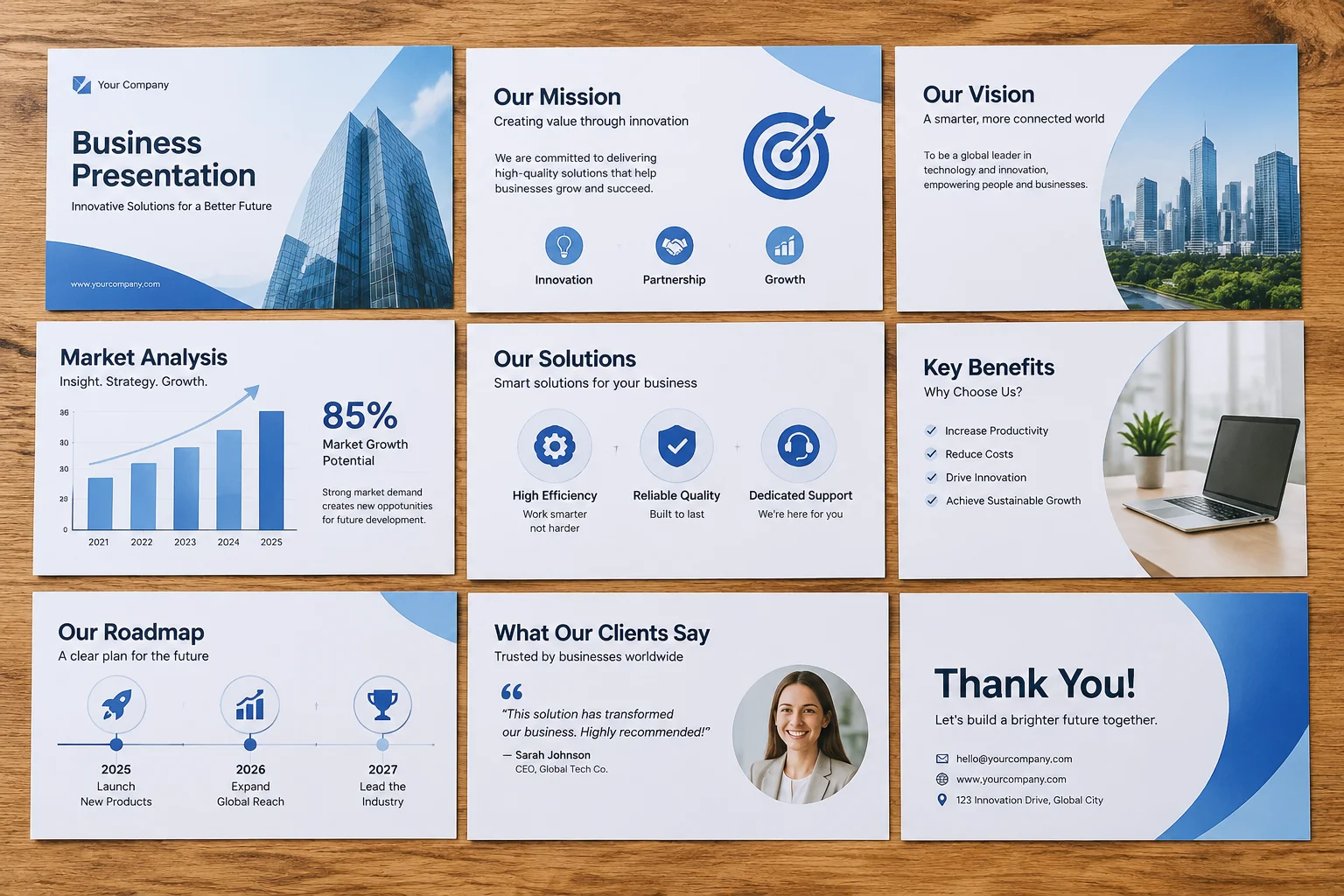
Theme Consistency Across Presentations
Why a consistent theme matters
Achieving a cohesive visual experience across multiple presentation files is one of the most persistent challenges for media teams and designers. When slides are managed individually, minor drifts in alignment, spacing, and typography can accumulate, resulting in an unprofessional final result. Building a robust visual system requires more than just templates; it requires strict adherence to standardized design tokens.
The Core of a Visual System
Theme consistency begins with the establishment of core design tokens. These tokens define the absolute constraints for your project, such as approved color palettes, standardized font pairings, and uniform margin rules. By treating these elements as immutable constants rather than guidelines, you ensure that every slide, regardless of content density, aligns with your overall design philosophy.
Scaling Across Files
When working across different presentations, document-level synchronization is vital. ProPresenter and other presentation software allow for theme application that forces child text boxes to inherit parent styling. Use this feature to enforce master-level changes instantly across hundreds of slides. Consistency is not achieved through manual correction, but through programmatic application of your design system.
Strategy for Teams
Effective teams maintain a "master theme file" that acts as the source of truth. Every time a new slide type is introduced, it must be authored in the master file first, then propagated throughout the active presentation library. This approach prevents the fragmentation that inevitably occurs when designers edit styles directly in working files.